Posts tagged #getting-started
Getting started with LinqList in 5 minutes
Create your account, make your first board and bookmark, and install the browser extension so saving a page takes one click.
Save any page in one click with the browser extension
Use the LinqList floating button, toolbar popup and right-click menu to save pages from Chrome, Firefox, Edge, Opera, Brave, Kiwi or Vivaldi.
Find anything fast with search
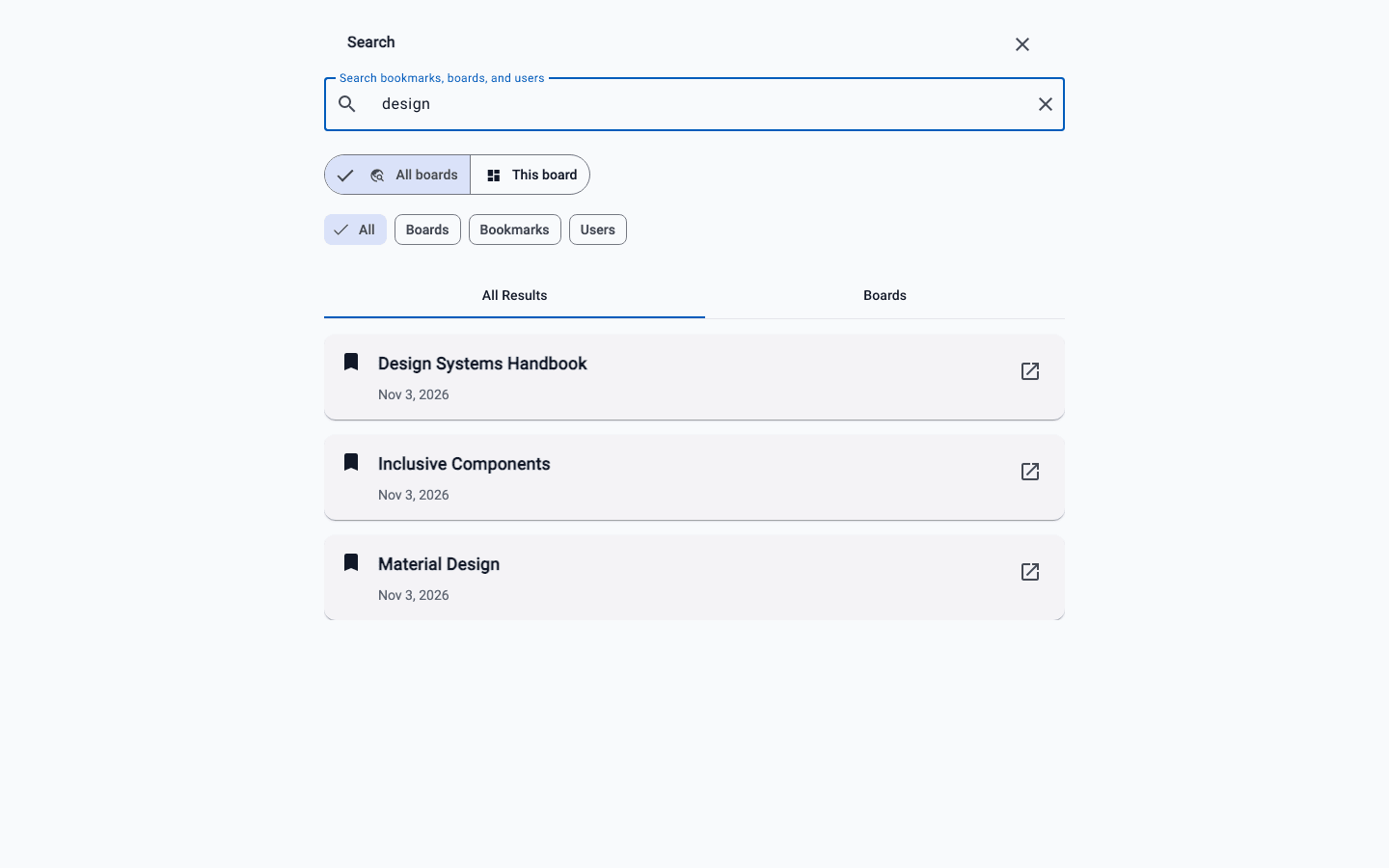
Open search with Cmd+K or Ctrl+K, search every board or just the one you are on, and use Pro filters to narrow results by type.
Quick links and the Inbox
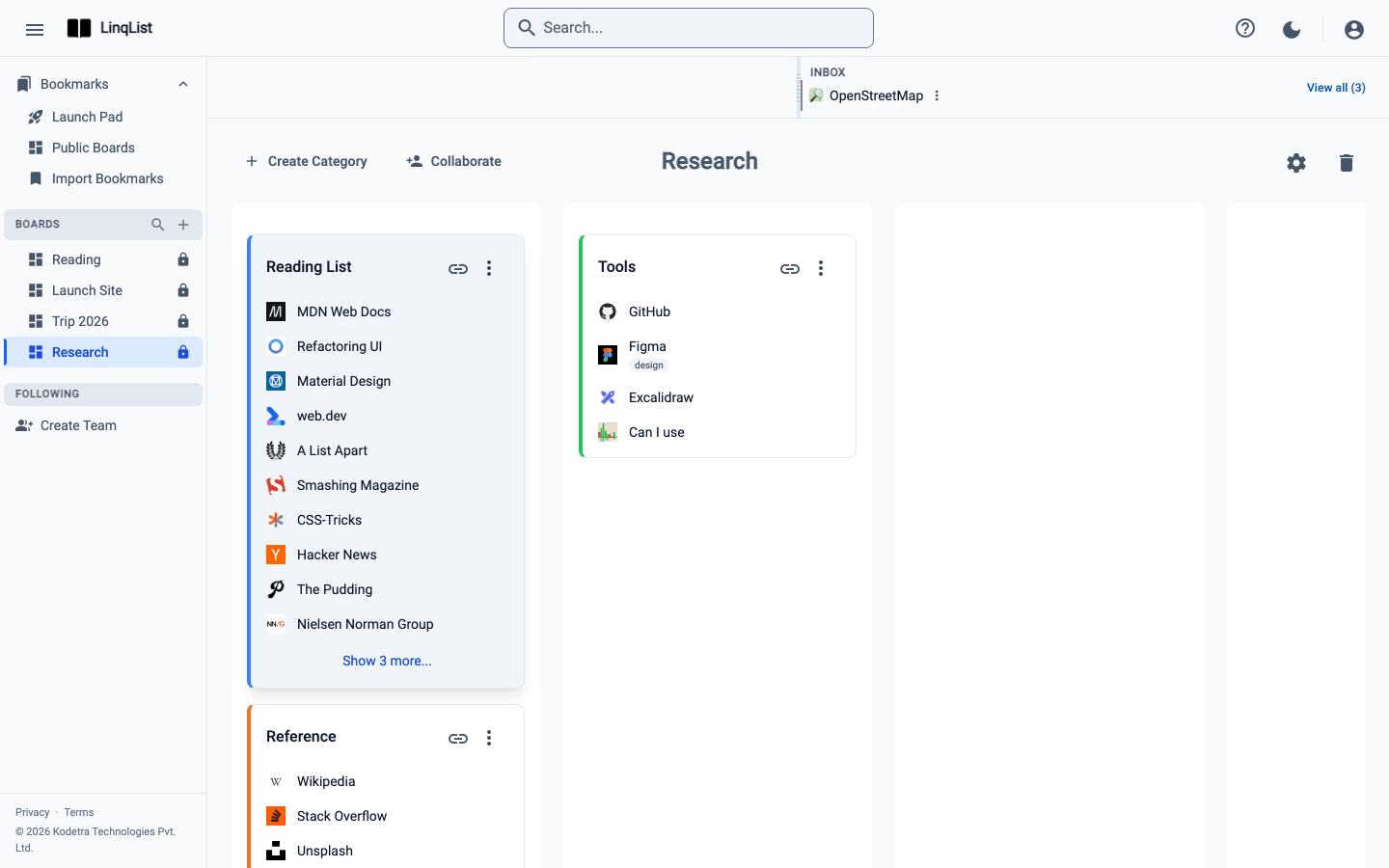
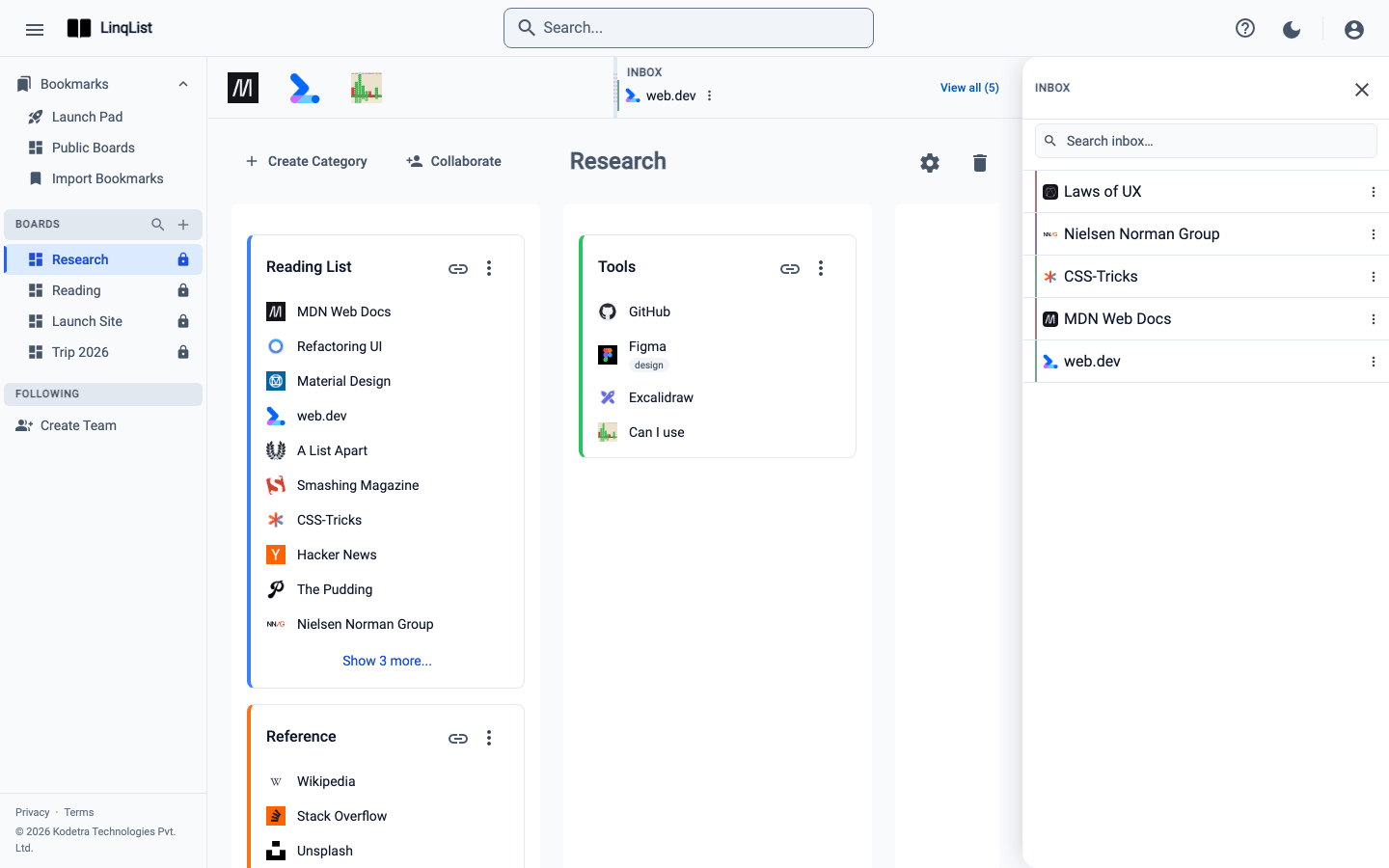
Use the LinqList Inbox to save links now and file them later, and set up Quick Links on the Launch Pad for the sites you open every day.
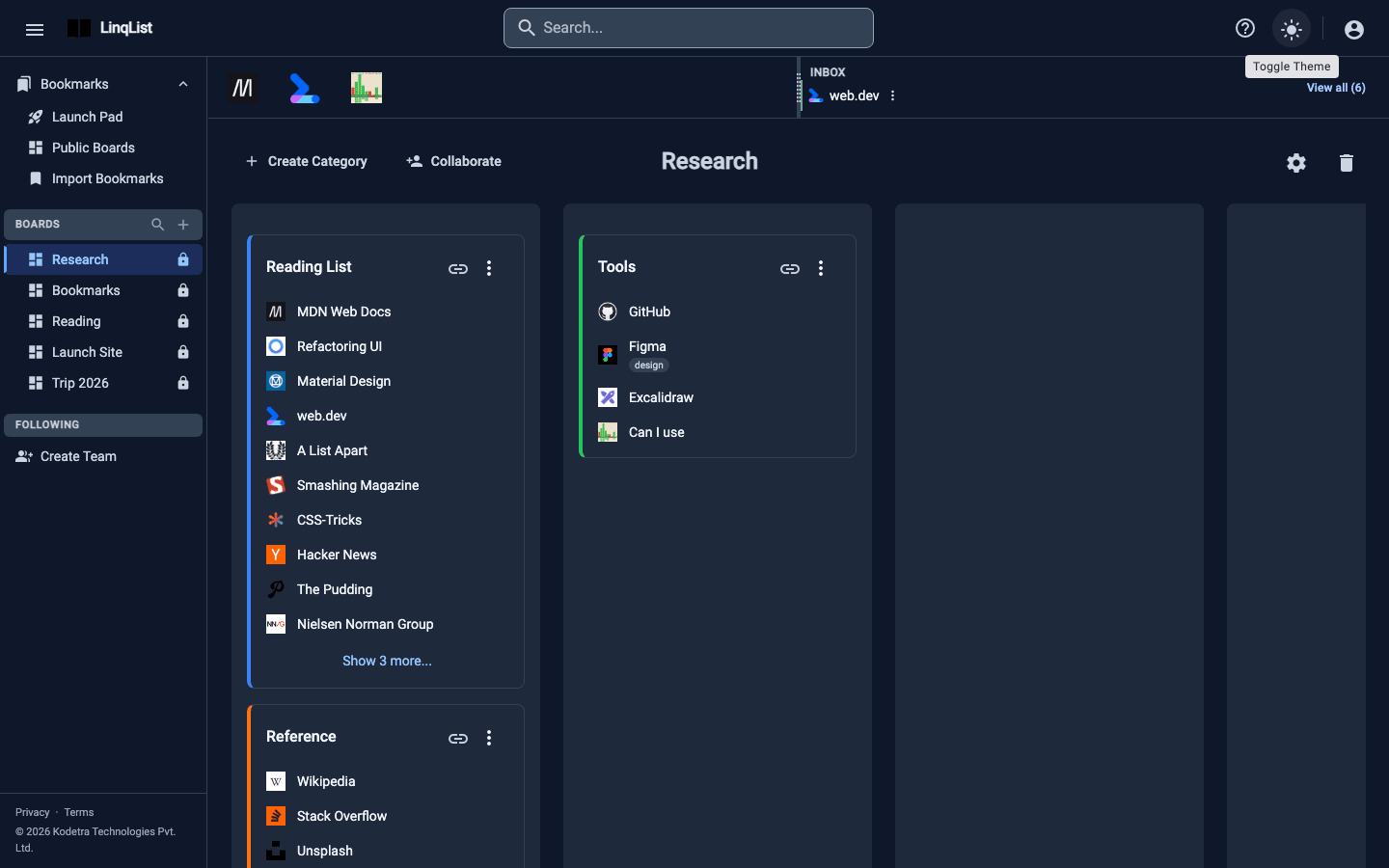
Dark mode and personalising your workspace
Switch LinqList between light and dark themes, move the extension button, tune how each board looks and set up your profile photo and details.
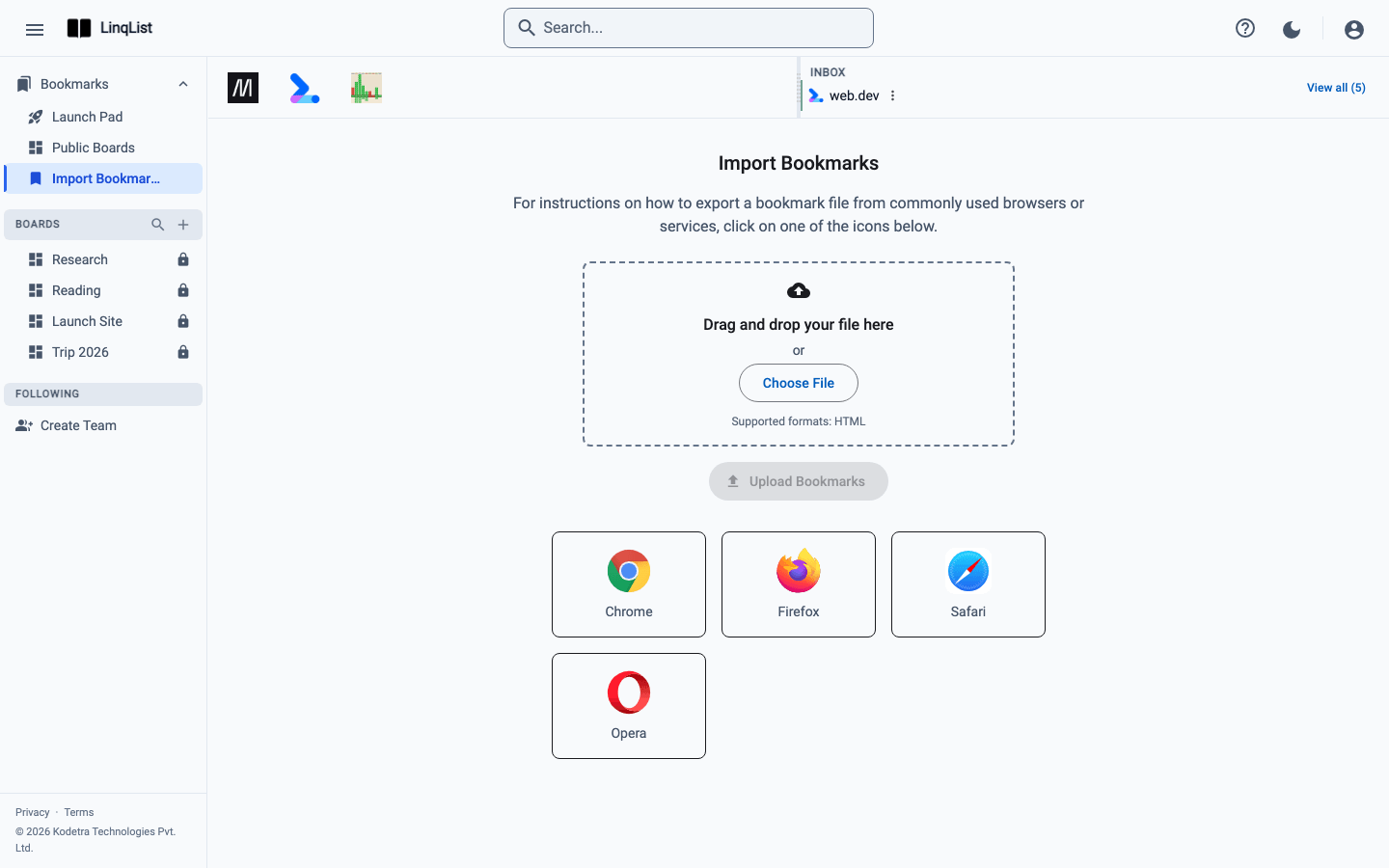
Import your browser bookmarks
Export bookmarks from Chrome, Firefox, Edge, Safari or Opera and import the HTML file into LinqList. Folders become categories on a new board.
Keep every link one click away
Save, organise and share bookmarks on visual boards. Free to start.