LinqList Blog
Guides and tips for organising bookmarks with LinqList boards, the browser extension and team sharing.
Getting started with LinqList in 5 minutes
Create your account, make your first board and bookmark, and install the browser extension so saving a page takes one click.
Save any page in one click with the browser extension
Use the LinqList floating button, toolbar popup and right-click menu to save pages from Chrome, Firefox, Edge, Opera, Brave, Kiwi or Vivaldi.
Boards: organise bookmarks by project
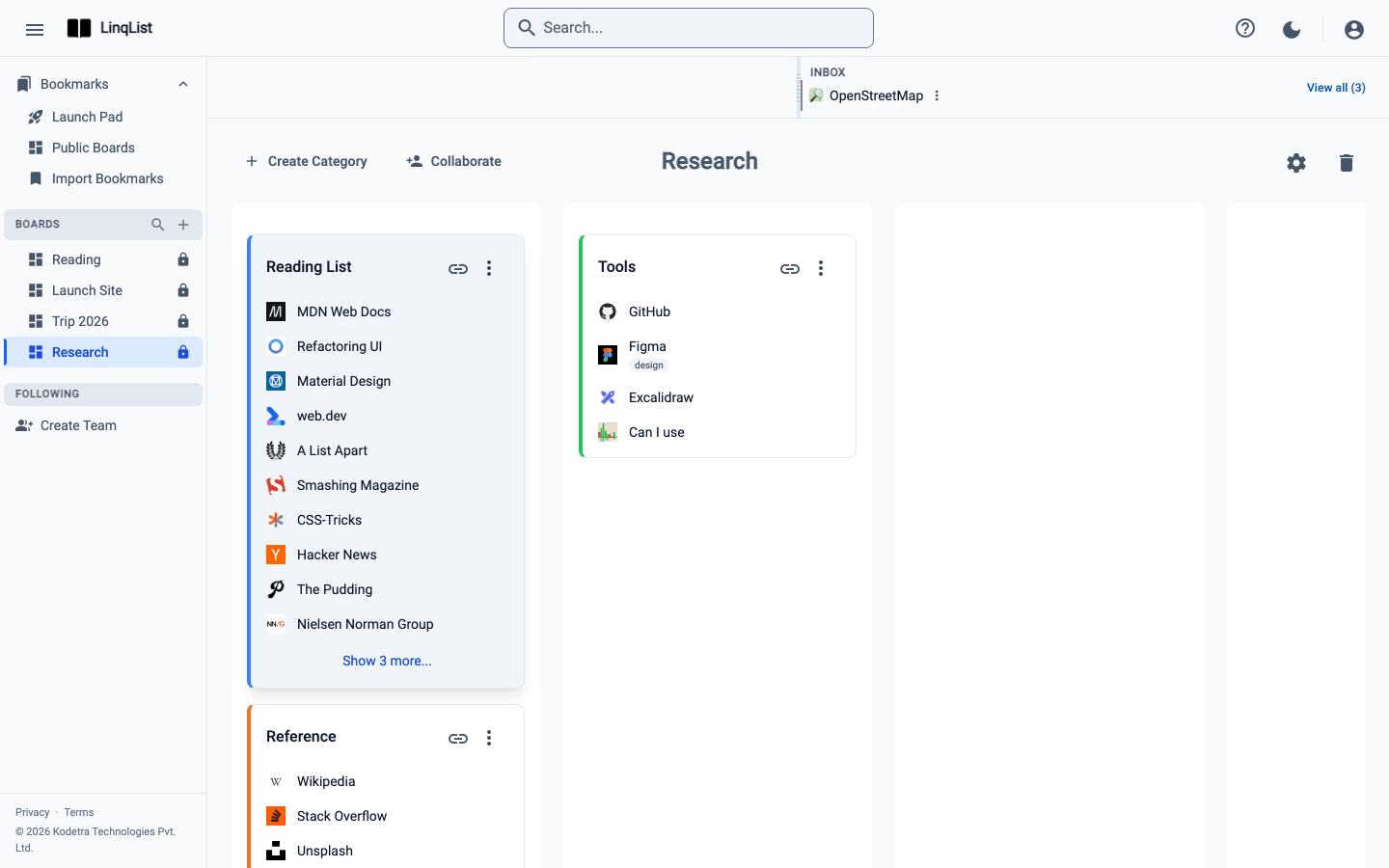
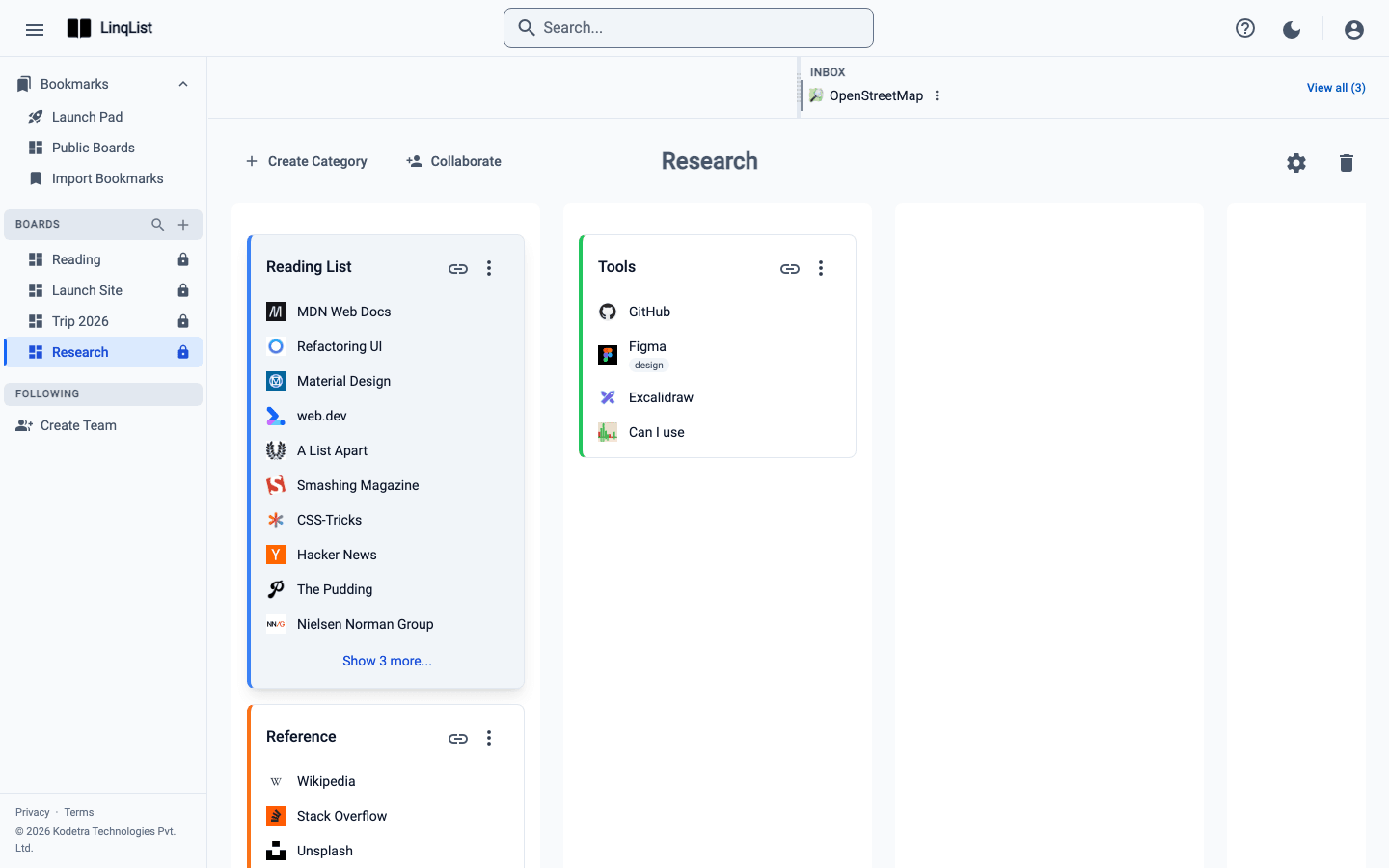
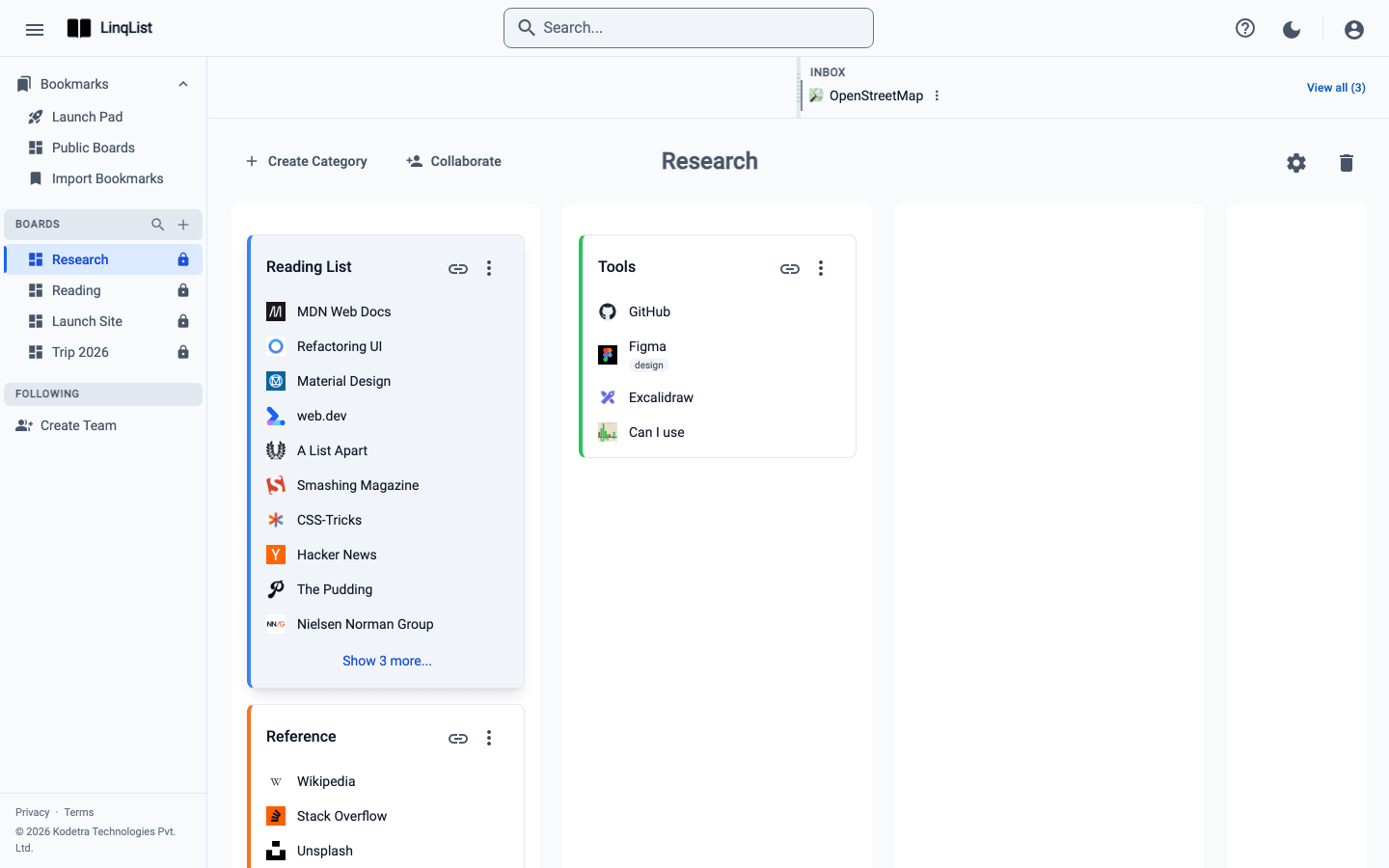
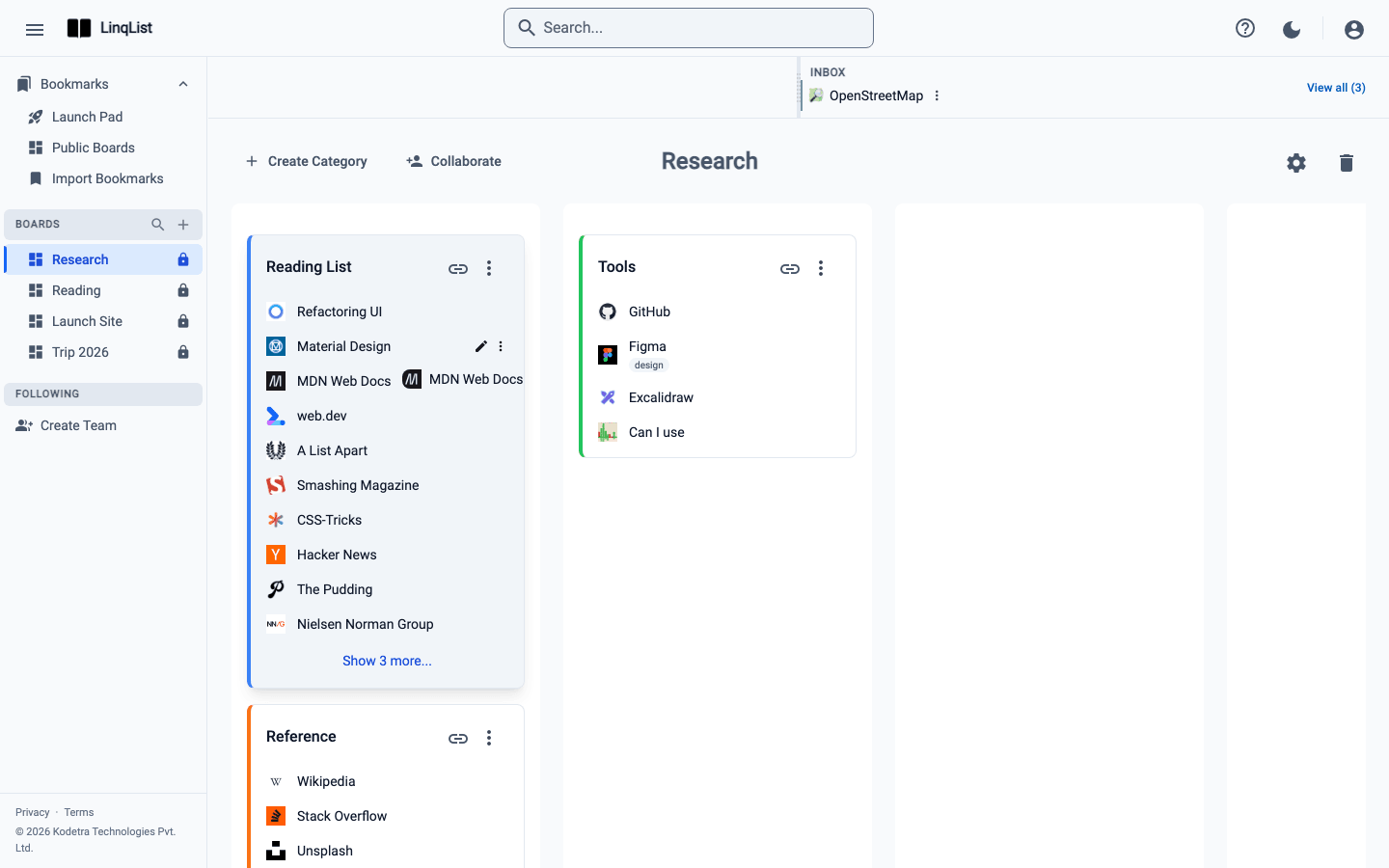
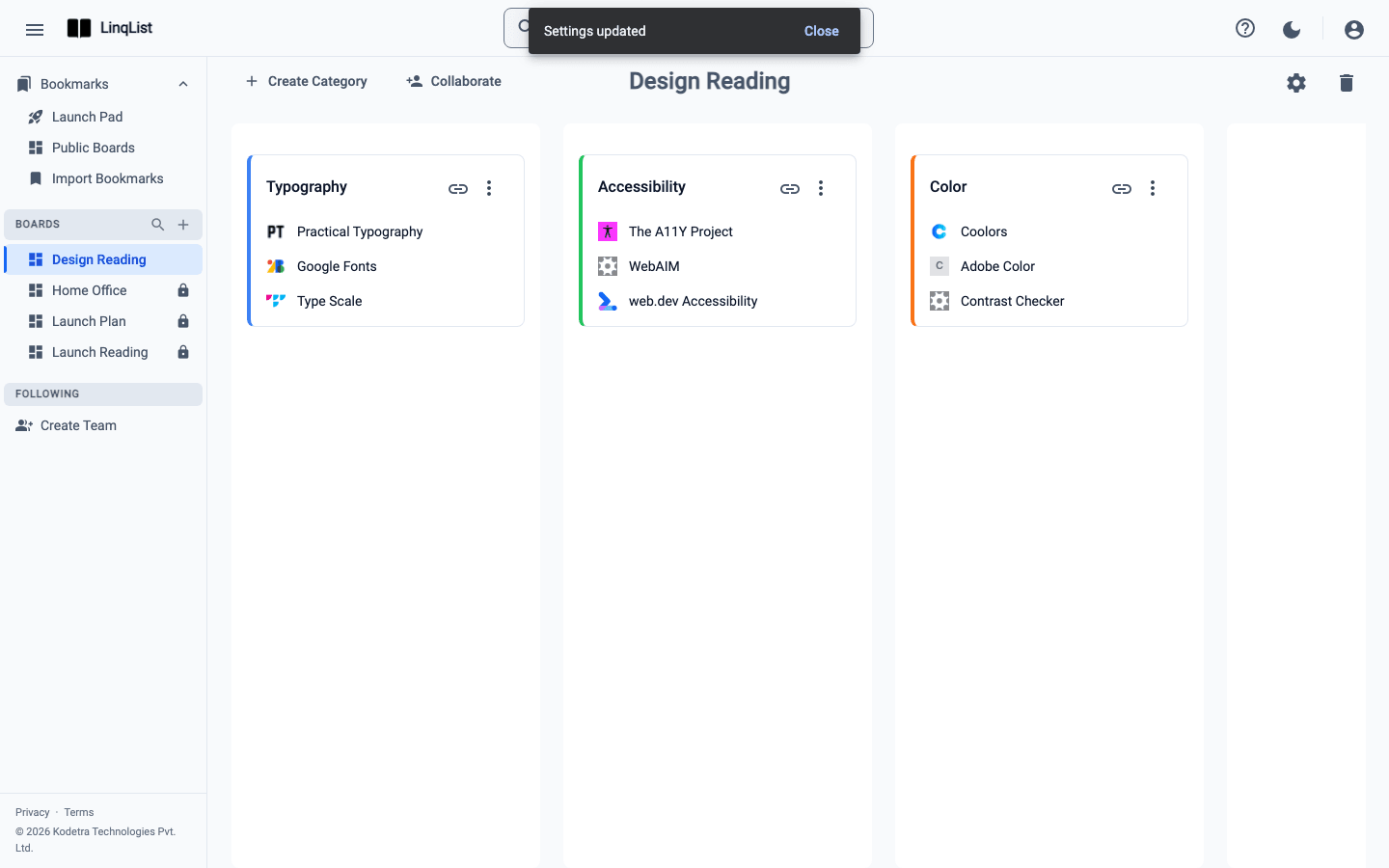
Create boards for each project, rename them, understand columns and switch between boards from the sidebar in a couple of clicks.
Categories: group links inside a board
Add colour-coded categories to a board, edit or reorder them and move bookmarks between them so every link has an obvious home.
Drag and drop to organise
Reorder bookmarks, move links between categories, rearrange categories across columns and file inbox items by dragging them where they belong.
Find anything fast with search
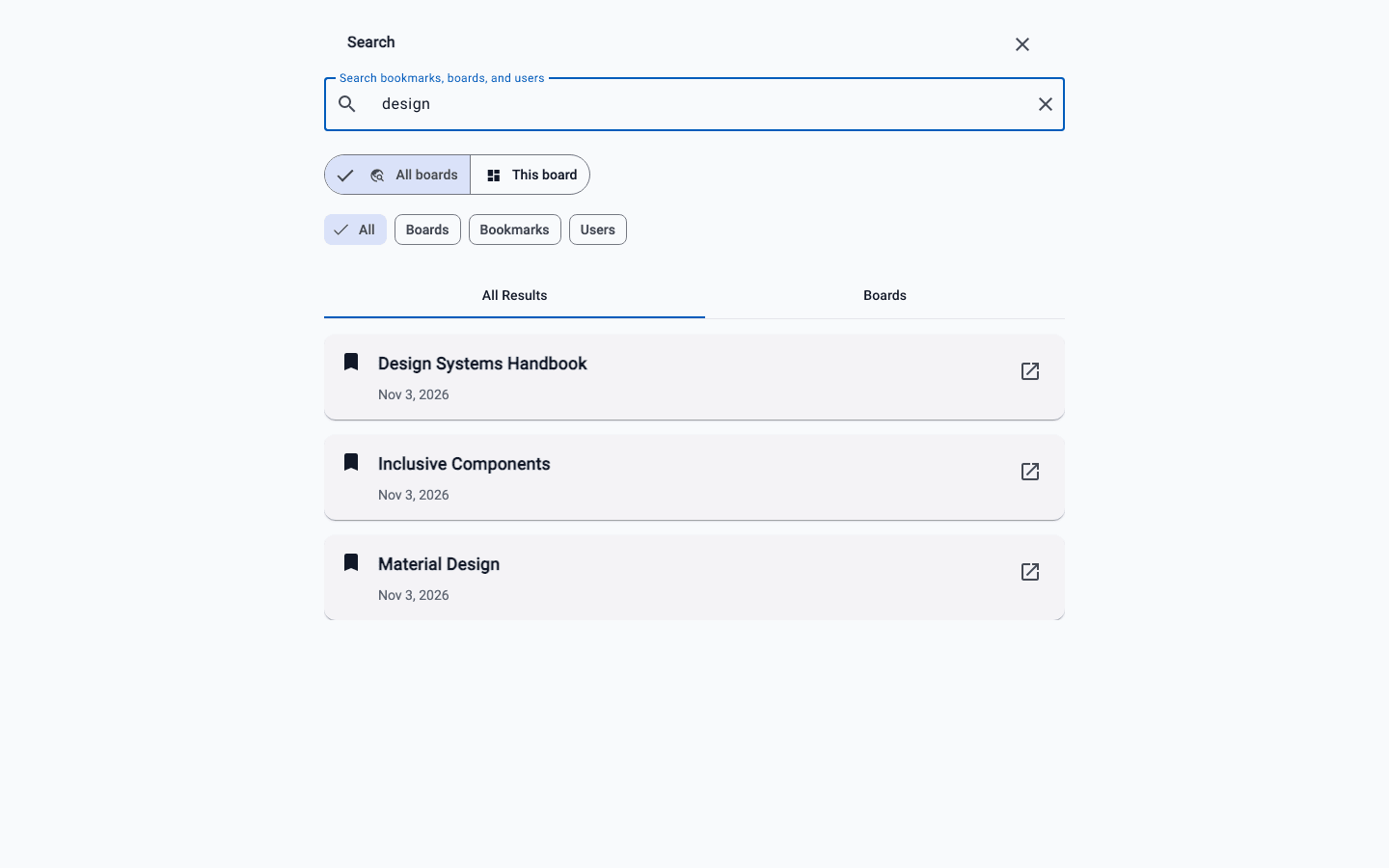
Open search with Cmd+K or Ctrl+K, search every board or just the one you are on, and use Pro filters to narrow results by type.
Quick links and the Inbox
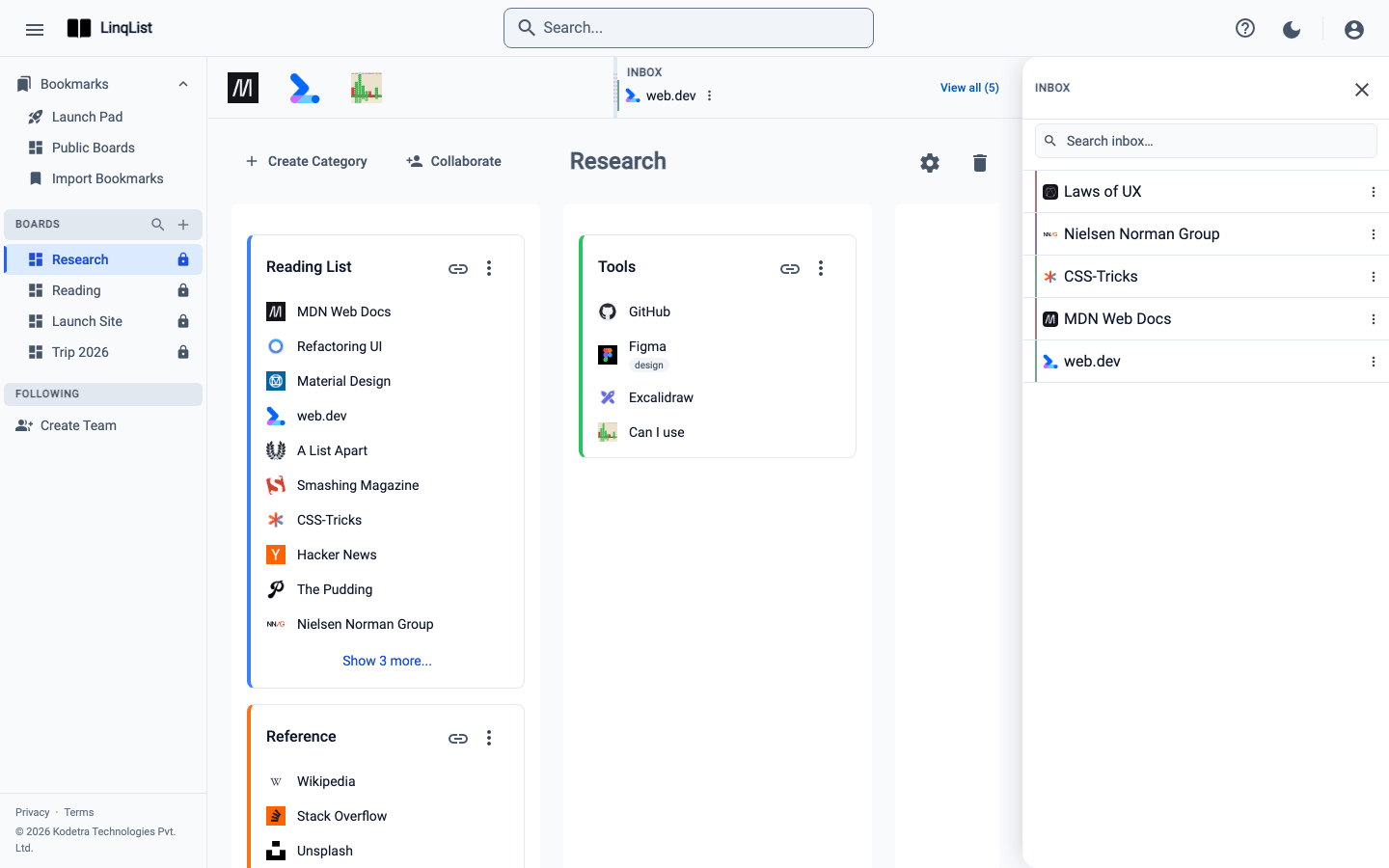
Use the LinqList Inbox to save links now and file them later, and set up Quick Links on the Launch Pad for the sites you open every day.
Share a board publicly
Make a LinqList board public in two clicks, copy the link, and see exactly what visitors can and cannot do. Works on every plan.
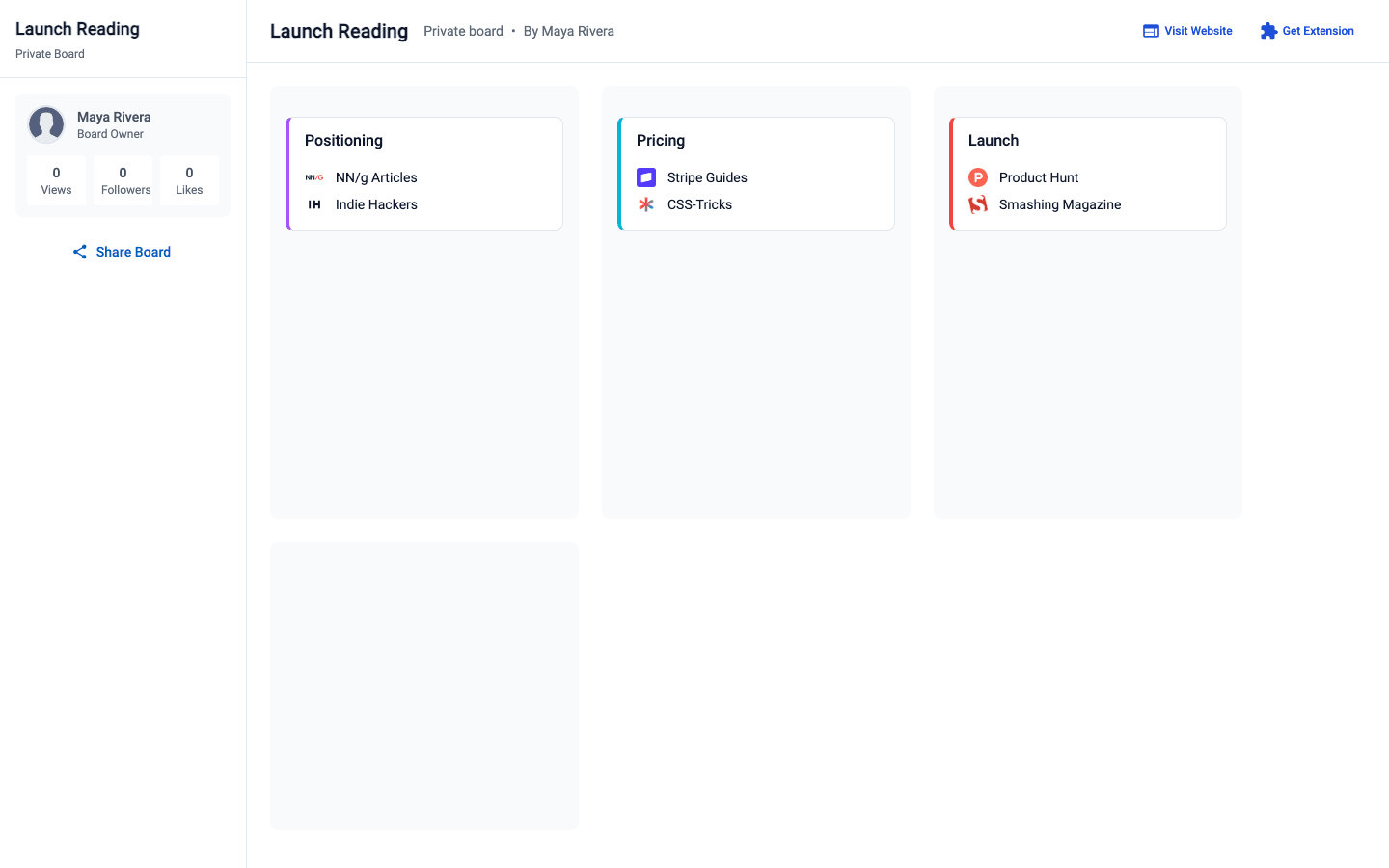
Private links: share a board with only the people who have the link
Generate a private link for a LinqList board, preview it, and switch it off whenever you like. Read-only, no account needed for viewers. Premium plan.
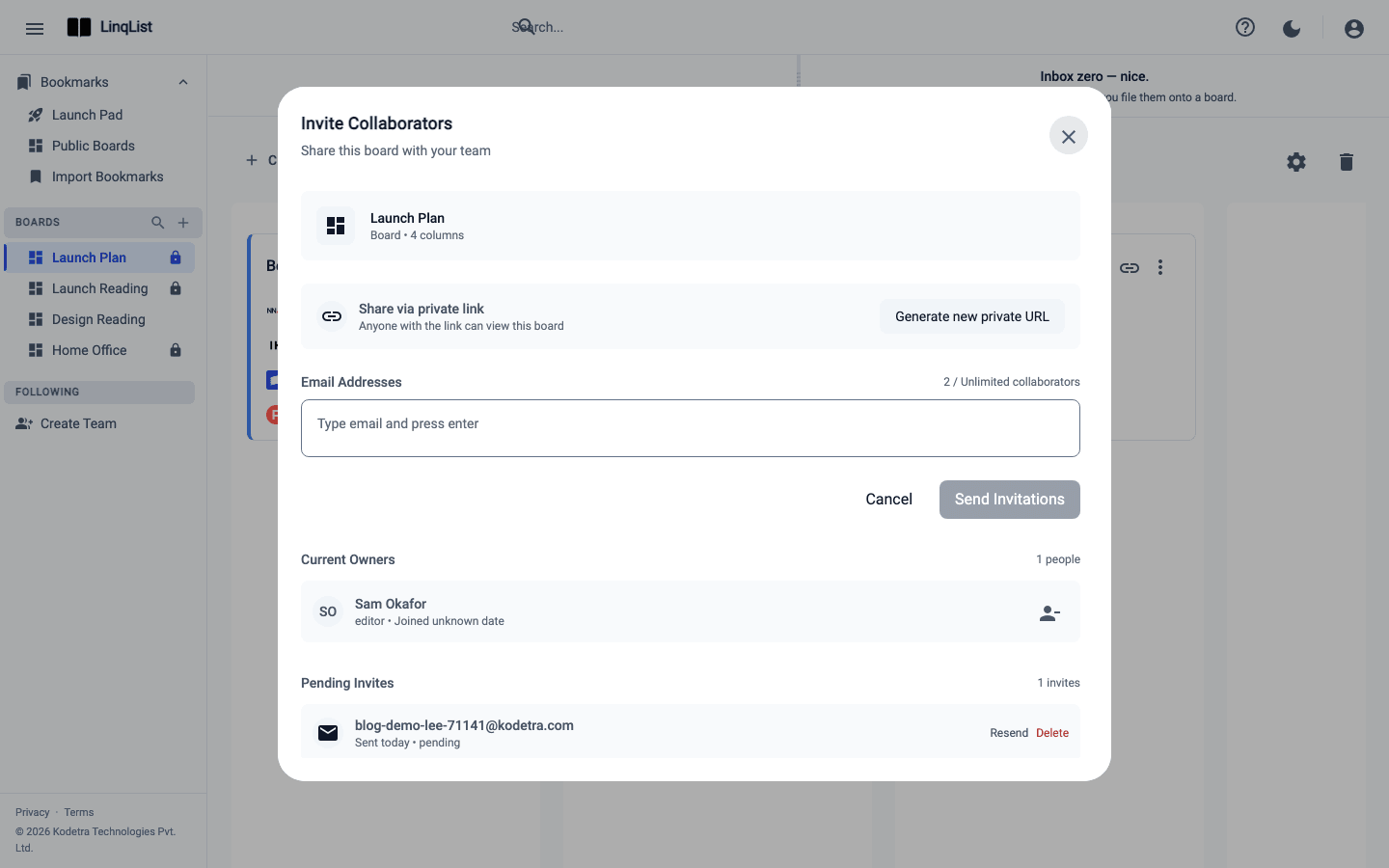
Invite collaborators to a board
Invite people to a LinqList board by email, pick Editor or Viewer, see how they accept, and manage access later. Includes plan limits.
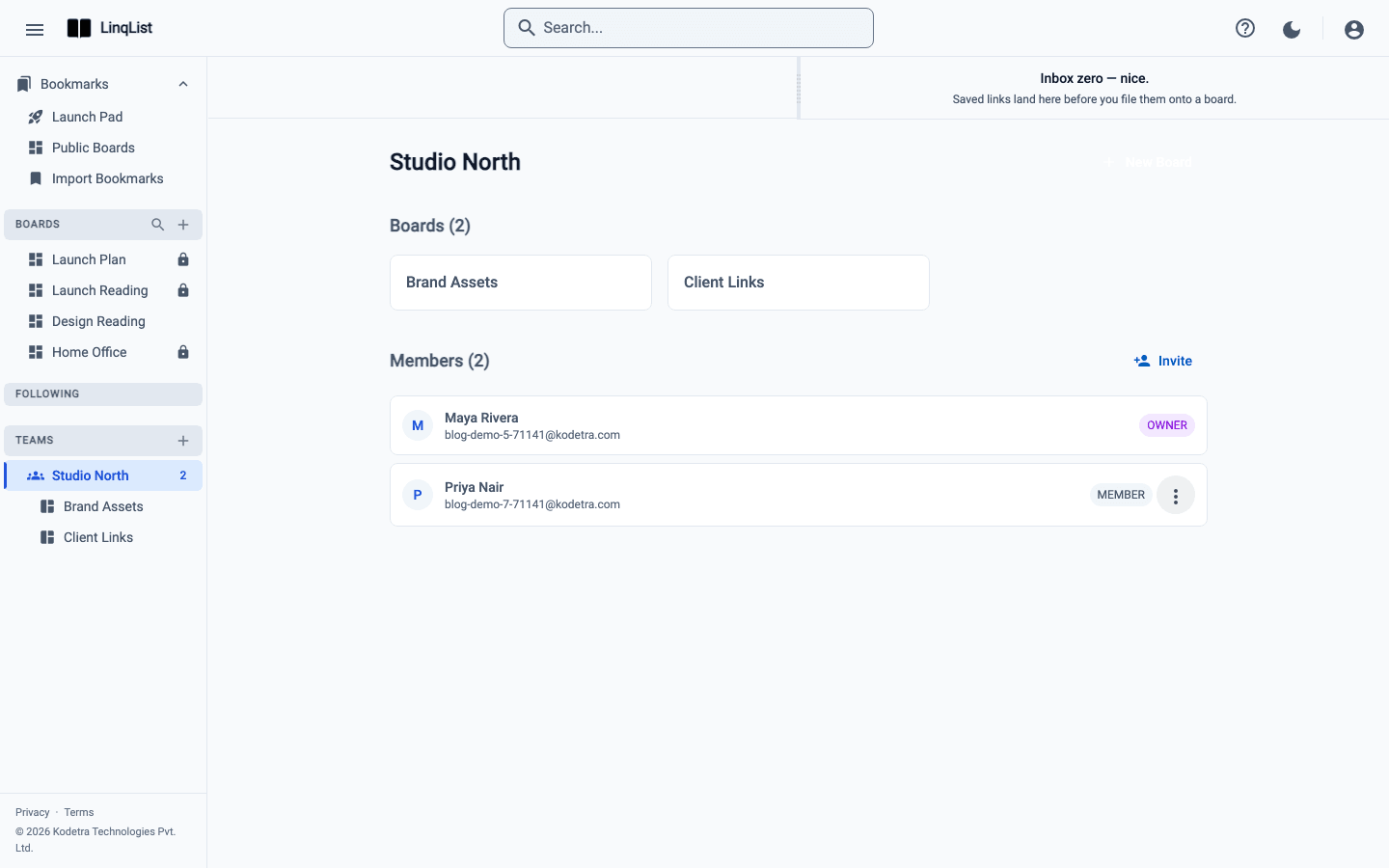
Team workspaces: one place for your team's links
Create a LinqList team workspace, add shared boards and invite members by email. Covers who can create one, roles and member limits.
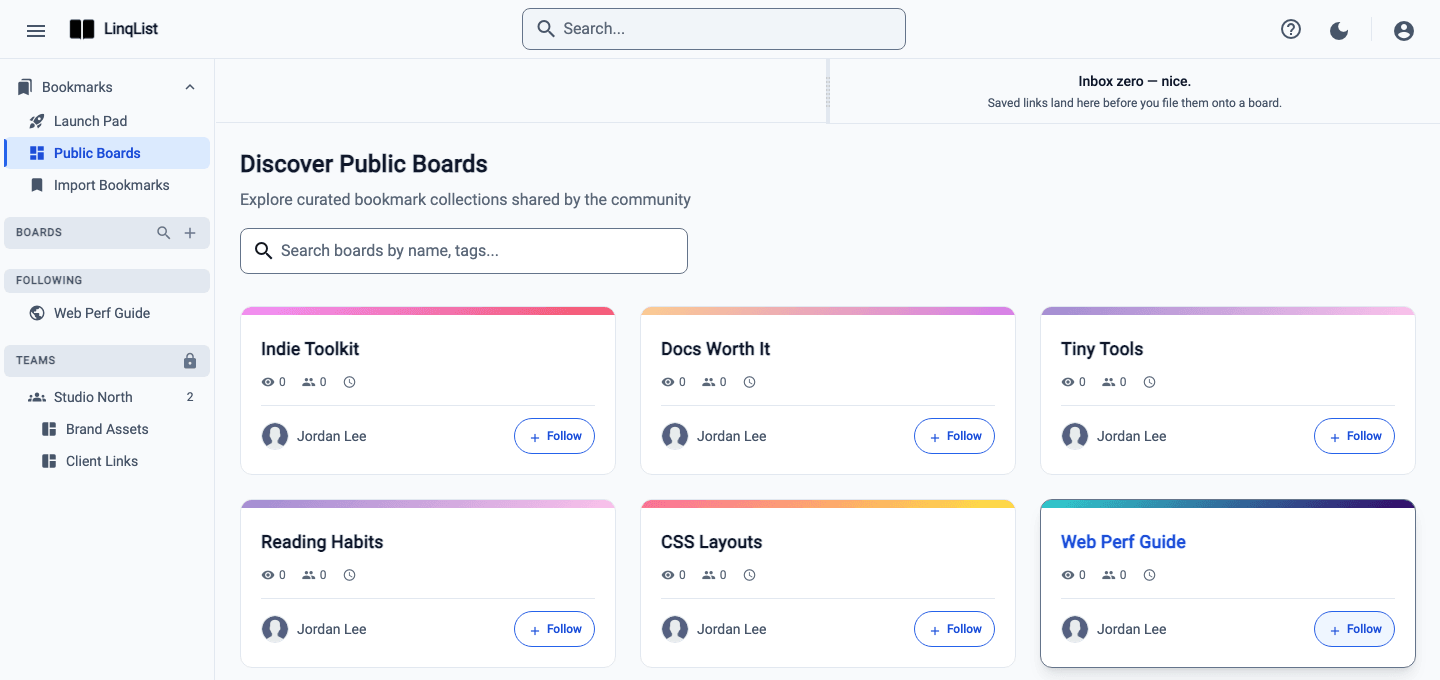
Follow public boards
Browse public LinqList boards, follow the ones you like, and find them in your sidebar. Includes how follows work and what the like count means.
Keep every link one click away
Save, organise and share bookmarks on visual boards. Free to start.